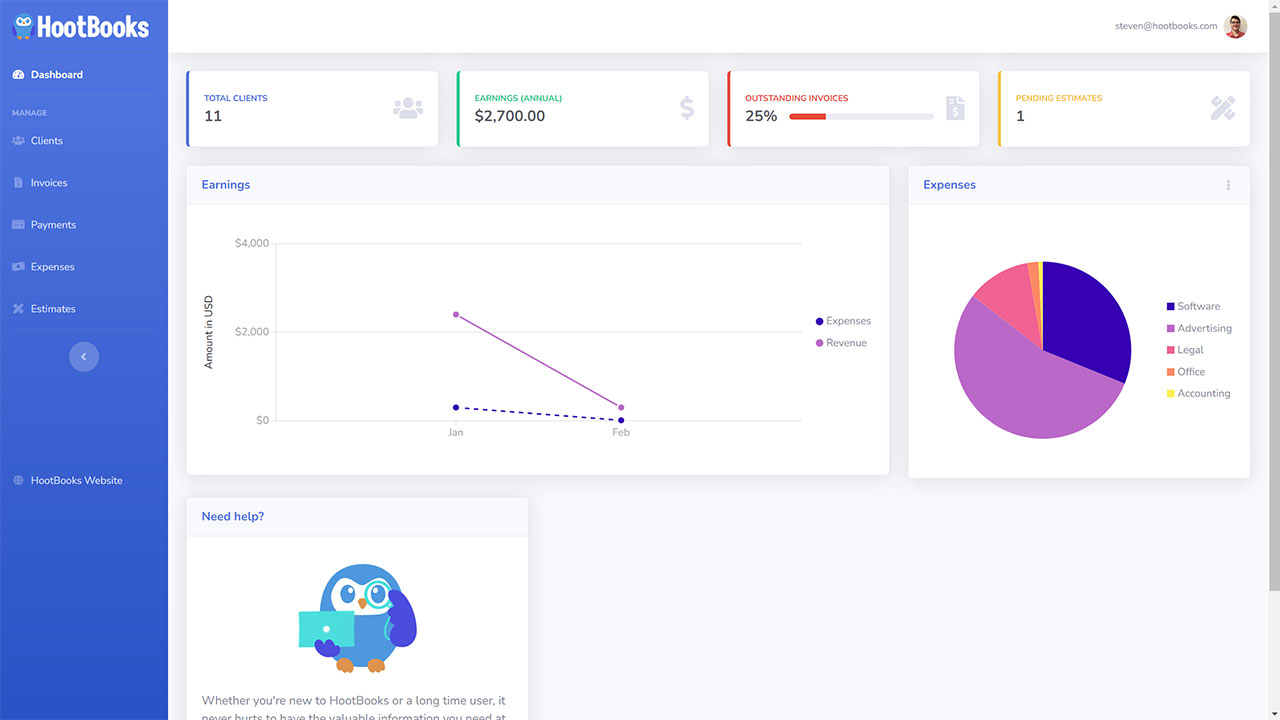
HootBooks is a cloud-based accounting platform designed for freelancers, consultants, and small businesses.
It helps you send invoices, track expenses, accept payments, manage clients, and generate financial
reports — all from one place.
Who is HootBooks for?
HootBooks is built for freelancers, self-employed professionals, small business owners, and businesses
with contractors or employees. Whether you're a solo consultant or a growing team, HootBooks scales
with your needs.
Is my data secure?
Absolutely. HootBooks uses industry-standard encryption, runs on Microsoft Azure cloud infrastructure,
and processes payments through Stripe. Your financial data is never shared with third parties.
Can I access HootBooks from my phone?
Yes. HootBooks is a web-based application that works on any device with a modern browser —
desktop, tablet, or phone. There's no software to install.
Pricing & Plans
Can I try HootBooks for free?
Yes! Sign up without a credit card and explore the platform. When you're ready, choose the plan
that fits your business.
What plans are available?
We offer three plans: Bronze ($9/mo), Silver ($19/mo), and Gold ($29/mo). Each plan includes
different levels of features and team member limits. Visit our
pricing page for full details.
Can I upgrade or downgrade my plan?
Yes. You can change your plan at any time from your account settings. Changes take effect
at the start of your next billing cycle.
What payment methods do you accept?
We accept all major credit cards through Stripe, including Visa, Mastercard, and American Express.
Features & Functionality
How does invoicing work?
Create an invoice by selecting a client, adding line items, and clicking send. HootBooks automatically
generates a branded PDF and emails it to your client. You can track when it's viewed and paid.
Can my clients pay invoices online?
Yes, with the Gold plan. Connect your Stripe account and your clients can pay invoices online
via credit card. Payments are automatically matched to invoices.
How does receipt scanning work?
Upload a photo of your receipt and our AI-powered scanner (Azure Form Recognizer) automatically
extracts the merchant name, date, and total amount. Review the details and save — no manual
data entry needed.
Can I convert an estimate to an invoice?
Yes. Once a client approves your estimate, you can convert it into an invoice with a single click.
All line items carry over automatically.
What reports are available?
HootBooks offers Profit & Loss, Balance Sheet, General Ledger, Client Revenue Breakdown,
and Expense Breakdown reports. All reports can be exported to CSV.
Support
How can I get help?
Email us at [email protected]
and our team will get back to you as soon as possible. You can also visit our
contact page.
Do you offer phone support?
Our primary support channel is email. We respond Monday through Friday, 9 AM – 6 PM EST.
Still have questions?
Our team is happy to help you find the right answers.